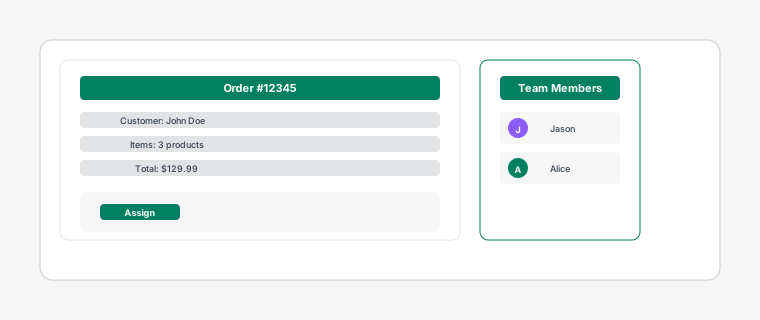
Task card being dragged onto a staff avatar showing assignment confirmation
There are several ways to assign tasks to your team members for efficient order fulfillment.
Steps
1
Click on a task card to open the detail drawer, then select a staff member from the "Assign to" dropdown menu. The assigned staff member will receive a notification.
2
Drag a task card and drop it onto a staff member's avatar in the staff sidebar. This is the quickest way to assign a single task.
3
Use batch actions: Click the checkbox on multiple task cards to select them, then use the "Assign" dropdown in the batch actions bar that appears at the top to assign them all to the same staff member at once.
This is efficient when processing multiple orders at once.