← Back to Help Center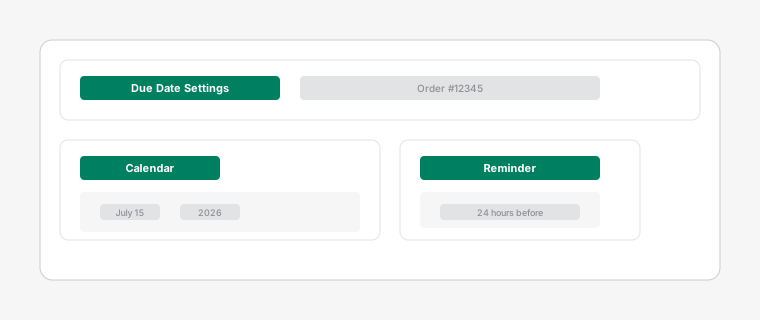
Calendar picker showing date selection for task due date with color-coded deadline indicators
Managing Due Dates
2 min read
Set due dates to ensure orders are fulfilled on time and never miss a deadline.
Steps
- 1
Open a task card by clicking on it, then click on the due date field. A calendar picker will appear - select the desired date.
- 2
Tasks with due dates approaching within 24 hours will show a yellow warning indicator. Overdue tasks are highlighted with a red background and border.
This makes overdue tasks impossible to miss.
- 3
View upcoming deadlines in the calendar view by clicking the calendar icon in the top navigation.
This gives you a complete overview of your team's workload and helps with capacity planning.