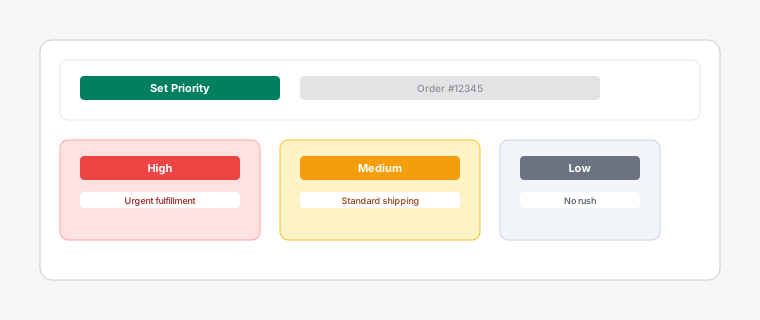
Task priority selection dropdown showing High, Medium, Low options with color indicators
Prioritizing tasks ensures critical orders get the attention they deserve. Dispatch: Kanban Order Board offers three priority levels.
Steps
1
Open a task card by clicking on it, then select a priority level from the dropdown: High (red), Medium (yellow), or Low (green).
2
High priority tasks are highlighted with a red left border, making them stand out visually. Medium priority tasks have a yellow border, and Low priority tasks have a green border.
3
Tasks are automatically sorted by priority within each column, with high priority tasks appearing at the top.
This ensures your team focuses on the most important orders first.