Managing Task Statuses
2 min read
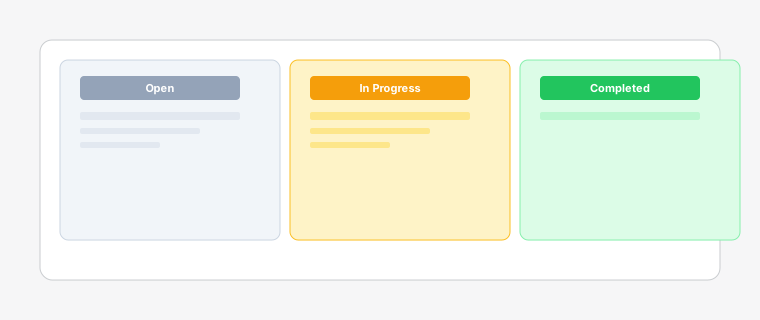
The kanban board comes with default status columns (Open, In Progress, Completed), but you can fully customize them to match your unique fulfillment workflow.
Steps
- 1
Click on the settings icon (gear) in the top-right corner of the board view.
- 2
Select "Board Settings" from the dropdown menu, then choose "Status Columns".
- 3
Add new columns by clicking "Add Column", edit existing ones by clicking the pencil icon, or drag columns to reorder them. You can set WIP (Work in Progress) limits for each column to prevent bottlenecks and manage workload.
WIP limits help prevent bottlenecks by limiting how many tasks can be in progress at once.
- 4
Click "Save" to apply your changes. The board will update immediately with your new column configuration. You can also delete columns.
Any tasks in deleted columns will be moved to the first column automatically.