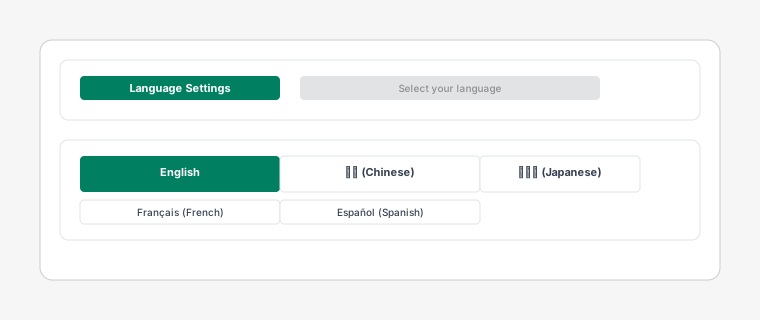
Language settings page showing available languages and region options
Dispatch: Kanban Order Board supports multiple languages to accommodate global teams and international operations.
Steps
1
Switch the app interface between English, Chinese, German, French, and Spanish. Go to Settings > Language to change your preferred language.
2
The app automatically detects your Shopify store's language setting and applies it on first install. You can always override this in the settings.
3
Each team member can set their own language preference. This allows diverse teams to work in their preferred language while collaborating on the same board.
4
Dates, times, and number formats are automatically localized based on the selected language and region settings.