← Back to Help Center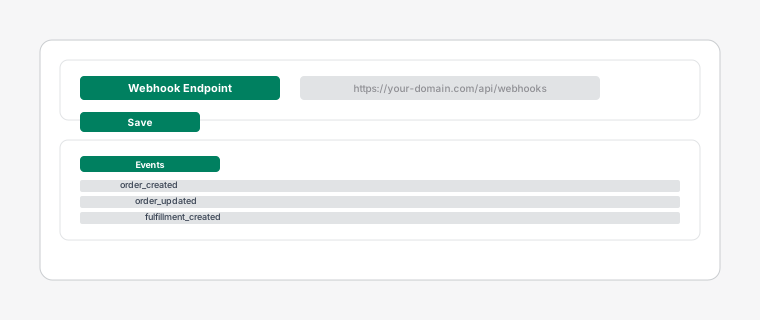
Shopify webhook configuration panel showing event triggers and endpoint URL
Configuring Webhooks
2 min read
Webhooks keep your dispatch board synchronized with your Shopify store in real-time.
Steps
- 1
Go to your Shopify admin > Settings > Notifications > Webhooks.
- 2
Create webhooks for the following events: Order created, Order updated, Order cancelled, Fulfillment created, Fulfillment updated.
- 3
Set the webhook URL to the endpoint provided in your Dispatch app settings.