Shopify Flow Integration
5 min read
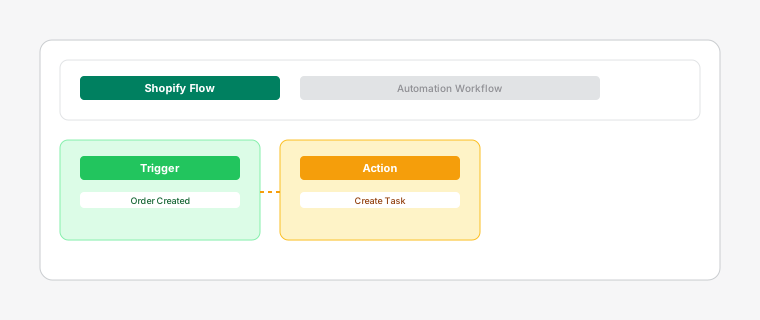
Enhance your workflow with Shopify Flow automation to reduce manual work and improve efficiency.
Steps
- 1
Install Shopify Flow from the Shopify App Store if you haven't already. It's free for most Shopify plans.
- 2
Create flows that trigger actions in Dispatch: Kanban Order Board. Common triggers include: when a new order is created, when an order is paid, or when inventory levels change.
- 3
Use pre-built flow templates designed specifically for Dispatch: Kanban Order Board, or create custom workflows to match your unique business needs.
Popular automation scenarios include: auto-assign high-value orders to senior staff, notify staff immediately of rush orders, and automatically mark tasks as complete when fulfillments are created.
- 4
To set up a flow, go to your Shopify admin > Apps > Shopify Flow, then click "Create Flow". Search for "Dispatch: Kanban Order Board" actions and triggers to build your automation.
Test your flows thoroughly before enabling them in production.