WIP Limits
3 min read
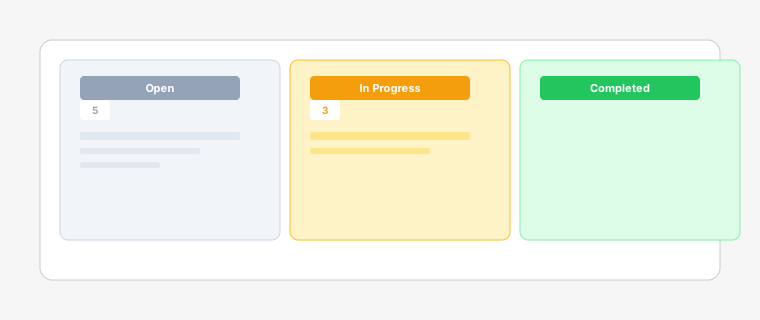
Work-in-Progress (WIP) limits help prevent bottlenecks and maintain a smooth workflow by controlling the number of tasks in each column.
Steps
- 1
Go to Board Settings > Columns and set a maximum number of tasks for each column. When a column reaches its WIP limit, no more tasks can be added until others are moved forward.
- 2
Columns with WIP limits show a progress bar at the top. When approaching the limit, the bar turns yellow; when exceeded, it turns red.
- 3
WIP limits prevent overloading team members, reduce context switching, and identify bottlenecks early. They help maintain a steady flow and improve overall throughput.
- 4
Different columns can have different WIP limits based on your workflow. For example, you might set a higher limit for 'Open' but a lower limit for 'Quality Check'.