Automation Features
5 min read
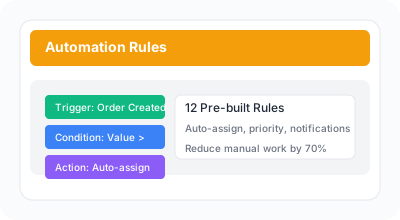
Automate repetitive tasks and streamline your fulfillment workflow with intelligent automation features.
Steps
- 1
Enable auto-assignment to automatically distribute incoming orders to available team members. The system uses load-balanced assignment to pick the staff member with the fewest active tasks.
- 2
Set priority rules to automatically assign priority levels based on order value or other criteria when tasks are created.
- 3
Create custom automation rules to trigger actions based on specific conditions. For example, automatically assign tasks to specific staff when order value exceeds a threshold, or send Slack notifications for overdue tasks.
Available actions: assign staff, set priority, send Slack notification, add tags.
- 4
Combine multiple rules for complex workflows. Pro plan includes 5 rules; Enterprise plan supports unlimited rules for advanced automation scenarios.