← Back to Help Center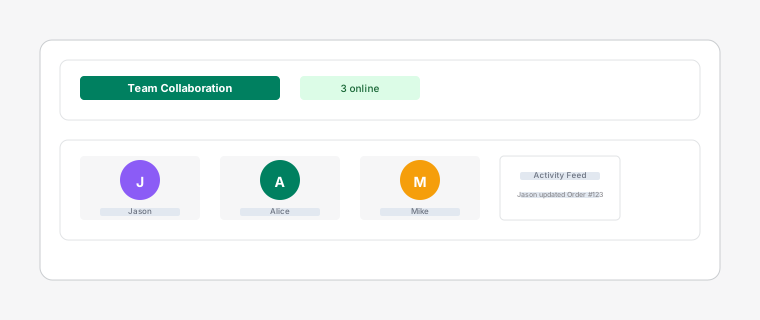
Team collaboration dashboard showing online status and task comments
Real-time Collaboration
3 min read
Work together with your team in real-time to improve communication and productivity.
Steps
- 1
All changes made to tasks are synchronized in real-time across all team members. When one person updates a task, everyone sees the change immediately.
- 2
See which team members are online and actively working. Avatars show green dots for online members and gray for offline members.
- 3
Add comments to tasks to communicate details, ask questions, or provide updates without switching to email or chat.
- 4
Track recent activity on the board with a real-time activity feed. See who assigned which task, when statuses changed, and what comments were added.