Enterprise Features
5 min read
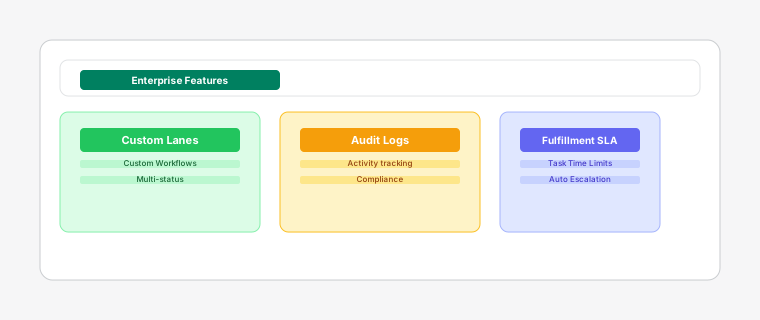
Unlock advanced capabilities for large teams and complex fulfillment operations with Enterprise plan. Enjoy unlimited staff, audit logs, and enhanced security features.
Steps
- 1
Add custom fields to tasks to track additional information specific to your business processes, such as batch numbers, warehouse locations, or special handling instructions. Go to Settings > Enterprise > Custom Fields to define up to 3 custom data fields.
Custom fields appear in the task detail drawer and can be used for filtering and reporting.
- 2
Create unlimited automation rules to match your complex workflows. Enterprise plan removes the 5-rule limit of the Pro plan. Automate task assignments, priority settings, and notifications based on order value, product type, or custom conditions.
- 3
Configure custom kanban lanes beyond the standard Open, In Progress, and Completed columns. In Settings > Enterprise > Custom Column, define column titles, map to existing statuses, and set custom colors. Create specialized workflows like 'Quality Check' or 'Packaging' that match your unique fulfillment process.
Custom lanes map to existing statuses, allowing tasks to flow through specialized stages while maintaining standard status tracking.
- 4
Track all user actions with comprehensive audit logs. Go to More > Audit Logs to monitor task assignments, status changes, configuration updates, data access, and login activities. Filter by action type and date range, and export logs as CSV for compliance reporting.
- 5
Use the in-app Support Inbox (More > Support) for priority assistance on Enterprise. Track requests alongside your fulfillment workflow.
Enterprise includes an in-app Support Inbox for priority assistance.