Integrations & API
4 min read
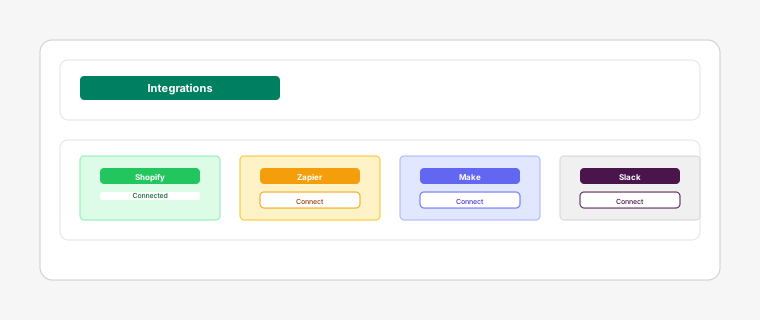
Dispatch: Kanban Order Board offers powerful integration capabilities to connect with external systems and automate your workflow.
Steps
- 1
Generate API keys in the Integrations settings to allow external applications to interact with your dispatch data programmatically. API keys provide read/write access to tasks, staff, and order information.
- 2
Configure custom webhook endpoints to receive notifications when tasks are created, updated, or completed. This enables real-time integration with CRM systems and notification services.
- 3
Use Shopify Flow to create automated workflows that trigger actions in Dispatch. Combine order events from Shopify with task management actions for seamless automation.
- 4
Connect with tools like Zapier, Make, or custom applications using our REST API. Build custom integrations to sync data between Dispatch and your existing business systems.